Do You Still Need a Terminal? Why I Chose Kaku
AI has changed my daily workflow, but I still can't do without a terminal. Some thoughts on why I'm sticking with the command line, and what it's been like switching from iTerm2 to Kaku.
AI Changes the Little Things in Life

This started last week, when I saw that Tualatrix had stopped using a terminal. Now even VS Code has gone in the trash. That made all the changes AI is bringing feel tangible. The grand stories from tech influencers about disrupting industries and redefining “programming” don’t hit me quite the same way. A terminal and VS Code disappearing from someone’s daily workflow: that’s an AI moment I can relate to.
I’ve been using the command line for ten years, starting with serial ports in embedded development, then Bash on Linux, adb on Android, and zsh on the Mac. To me, the command line has always been part of what makes programmers cool. Daru from Steins;Gate, Uiharu from A Certain Scientific Railgun, Lea from The Good Doctor: those are my kind of hackers and engineers. I’ve always had a soft spot for the command line and tried plenty of terminals, so giving it up altogether had never even occurred to me. When I saw that Tualatrix had stopped using one, I was impressed for a moment, then moved on.
But seeing VS Code in the trash suddenly made me think, “AI really does affect every little thing.” Beyond making programming more accessible, expanding what one person can do, and speeding up technological progress, it changes the small details of work and life. Even what you open first after unlocking your computer, a browser or an agent, and whether the command line and VS Code are still how you get to work.
After thinking it over, I realized I could live without VS Code. A terminal, though? I can’t do without one.
- First, memory. My MacBook Air can’t handle heavy agent use through GUI apps, especially with a dozen or so Chrome tabs usually open.
- Second, I find switching between multiple app windows less convenient than working in a terminal, both in efficiency and in how it looks.
- Third, that little attachment to the command line. Sometimes a screen full of commands still lets me pretend I’m Daru from Steins;Gate. (Though I actually like Uiharu better.)
VS Code is a different story. When did I last open it, a month or two ago? Fine, uninstall it. The day I decide to give up the terminal will be the big change for me, haha.
I’ve always found working across multiple windows less pleasant in a GUI than in a TUI. Things get messy: different sizes, windows stacked over each other, especially when there are lots of them. Even swiping up with four fingers on a Mac doesn’t make it easy to find the one I want quickly. A terminal spares me that trouble. The style and layout stay consistent, with a few panes inside one large window. I usually need no more than four panes per project, all fitting into one session or screen. Different projects get different tabs, and switching with a shortcut or a click is easy. Put that way, it sounds suspiciously close to DHH’s preferences. Could Omarchy be my ideal OS??? (Careful, careful…)
Looks aside, I still favor TUIs for performance and memory use. Dropping the GUI shell does save a fair bit of memory. I suspect nobody developing with agents these days is willing to let their computer run just one main agent and a few subagents. That hardly squeezes enough out of a coding plan. How are you supposed to sleep with unused weekly limits? Of course, choosing a terminal because my laptop can’t keep up is my problem. The agents are innocent, and Tualatrix clearly doesn’t have this concern. When my side projects start bringing in some income, I’ll upgrade my setup and give some serious thought to balancing that “little attachment” against efficiency.
A Not-So-Serious, Subjective Look at Terminals and Kaku
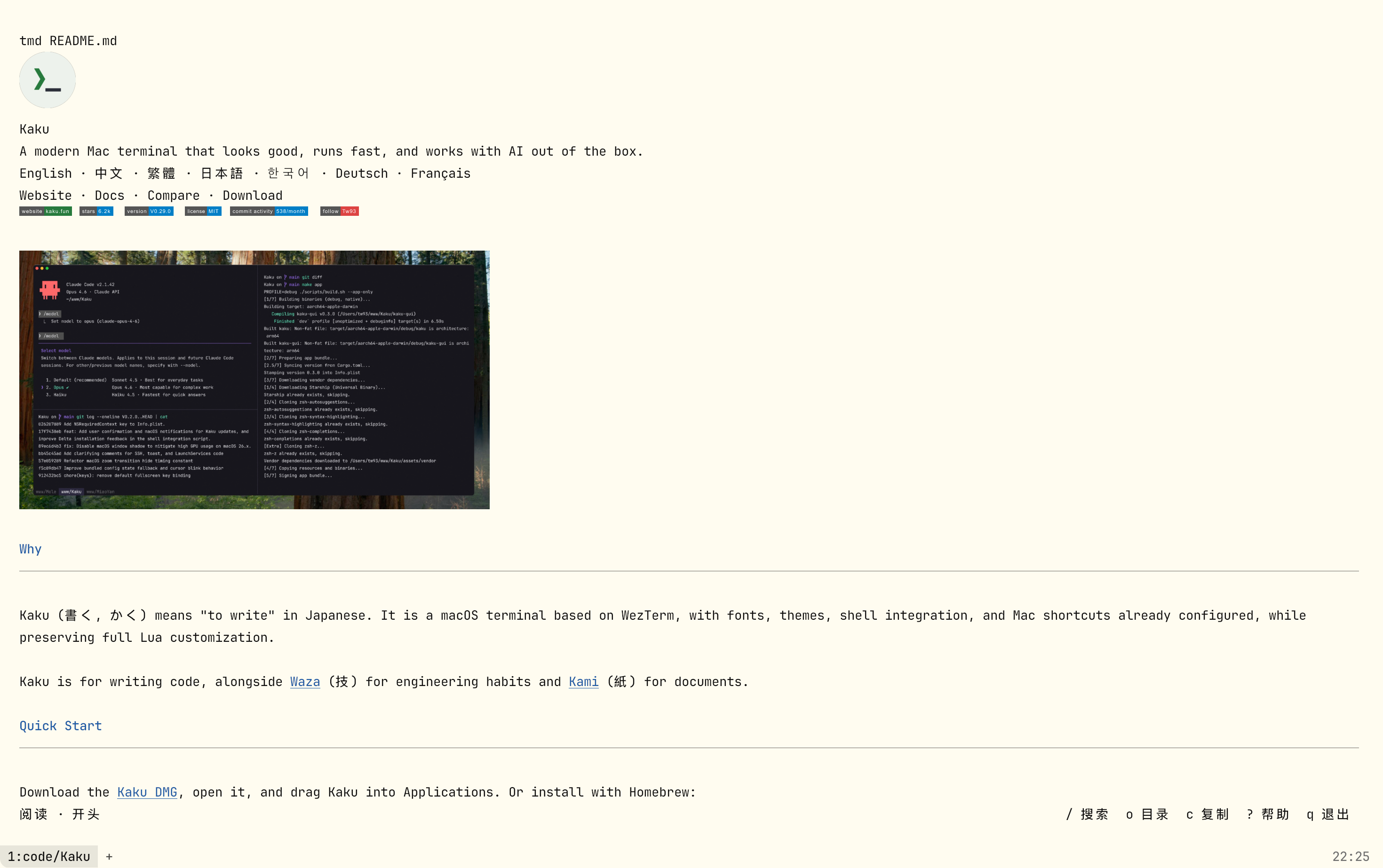
My main terminal these days is the wonderfully elegant Kaku: lightweight, fast, AI-friendly, and extensively customized from WezTerm. It’s made by @tw93. (Insert “that’s what a good reputation gets you” GIF here.)
Before Kaku, I’d used iTerm2 for a little over two years. The strengths that come to mind now are that it’s mature, mature, and mature. That’s about all I can think of. I also remember the occasional lag, though I’m not sure iTerm2 was to blame. I wasn’t particularly eager to switch. I’d fiddle with my ohmyzsh configuration and p10k theme now and then, and eventually got bored enough to look for an interesting new terminal. That’s how Kaku came into view.
Its first advantage is obvious: it works straight away, with hardly anything to configure. The themes suit my taste, the fonts look good, and the settings page is clear and simple. There aren’t many options, but they’re just enough for everyday use and a little tinkering. And I really, really love the paper theme. As someone who reads paper books, likes e-ink, and tends toward light themes, I couldn’t be happier.
Getting started felt as satisfying as switching from a Xiaomi phone to an iPhone did for me. Seeing the difference and feeling it in your hands are two different things; the latter makes you want to spend more time with it. After the first day, I knew I could uninstall iTerm2. It’s hard to turn down a product that fits you just right. There’s nothing wrong with iTerm2. It’s more powerful, more broadly useful, more customizable, and has a huge ecosystem of tools and solutions. But it’s precisely that “bigness.” Warp is good too, just not the kind of good I’m looking for. It’s more AI-native than either iTerm2 or Kaku, but maybe I’m not that AI-native yet. I still can’t get comfortable with having to sign up and log in, or with the Notion-like block interactions.
If iTerm2 is Uniqlo or Levi’s, and Warp is Nike or Arc’teryx, then Kaku is Yohji Yamamoto, or maybe a ready-to-wear piece from a small bespoke tailor? 😂 I hope nobody takes offense at that comparison, but that’s how it feels to me. This particular piece fits me perfectly.
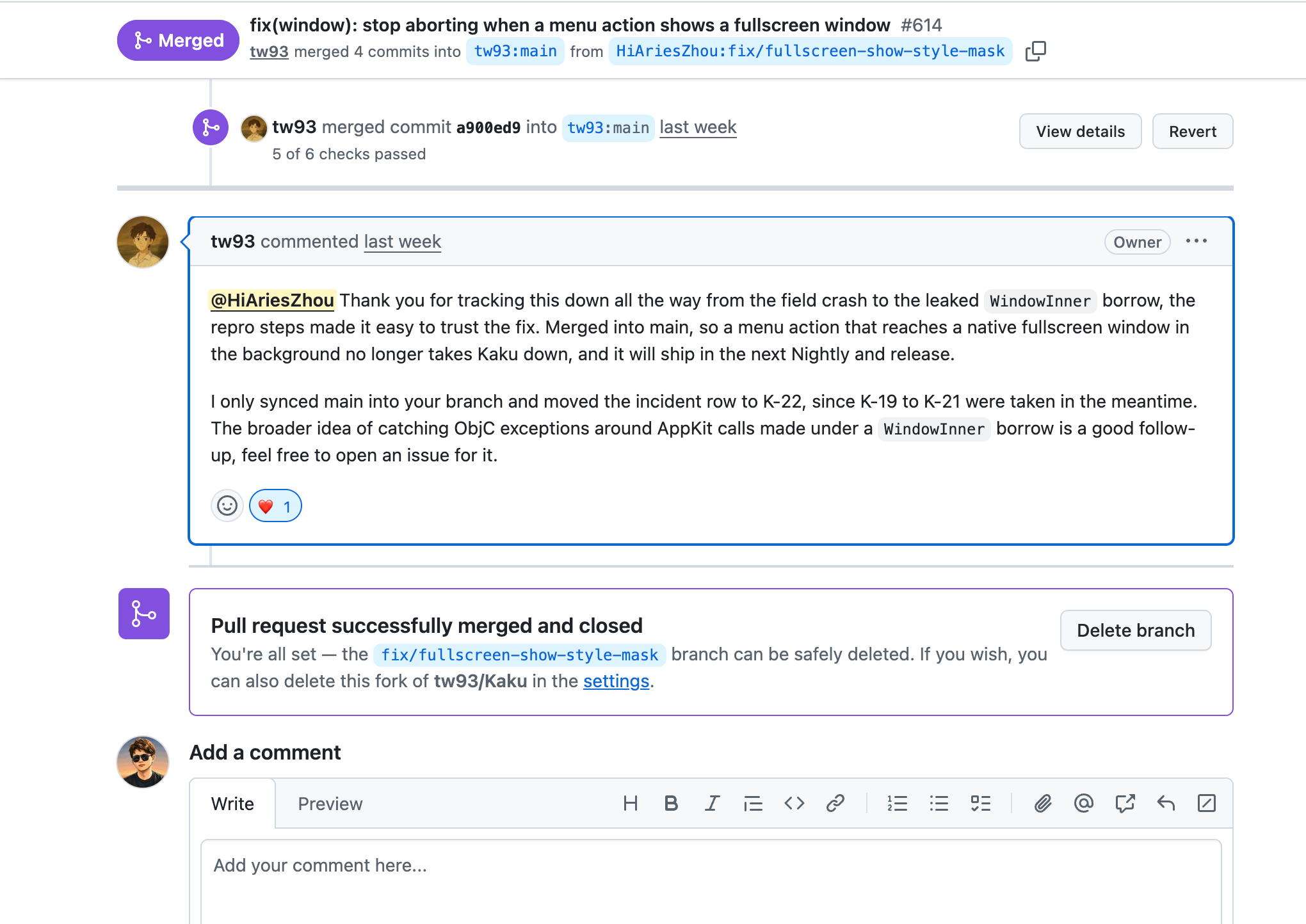
I’ve been using it heavily for about two months now, running Claude Code and Codex hard every day. I haven’t had the interface lag I frequently ran into with the ChatGPT app. If I happen to find a small bug, I can even send a PR. That’s another advantage. Getting a PR into iTerm2 would probably take forever, and Warp doesn’t support that at all.
The funny thing is, I was so absorbed in the good-looking interface and smooth interactions at first that I forgot to try the “AI-friendly” part of Kaku’s description. During the National Day holiday, I accidentally opened its AI chat with command+L. I’d meant to open the outline in Typora, but forgot to switch focus back to my main screen and triggered Kaku AI on the external monitor instead. A quick hello, and I was using it.
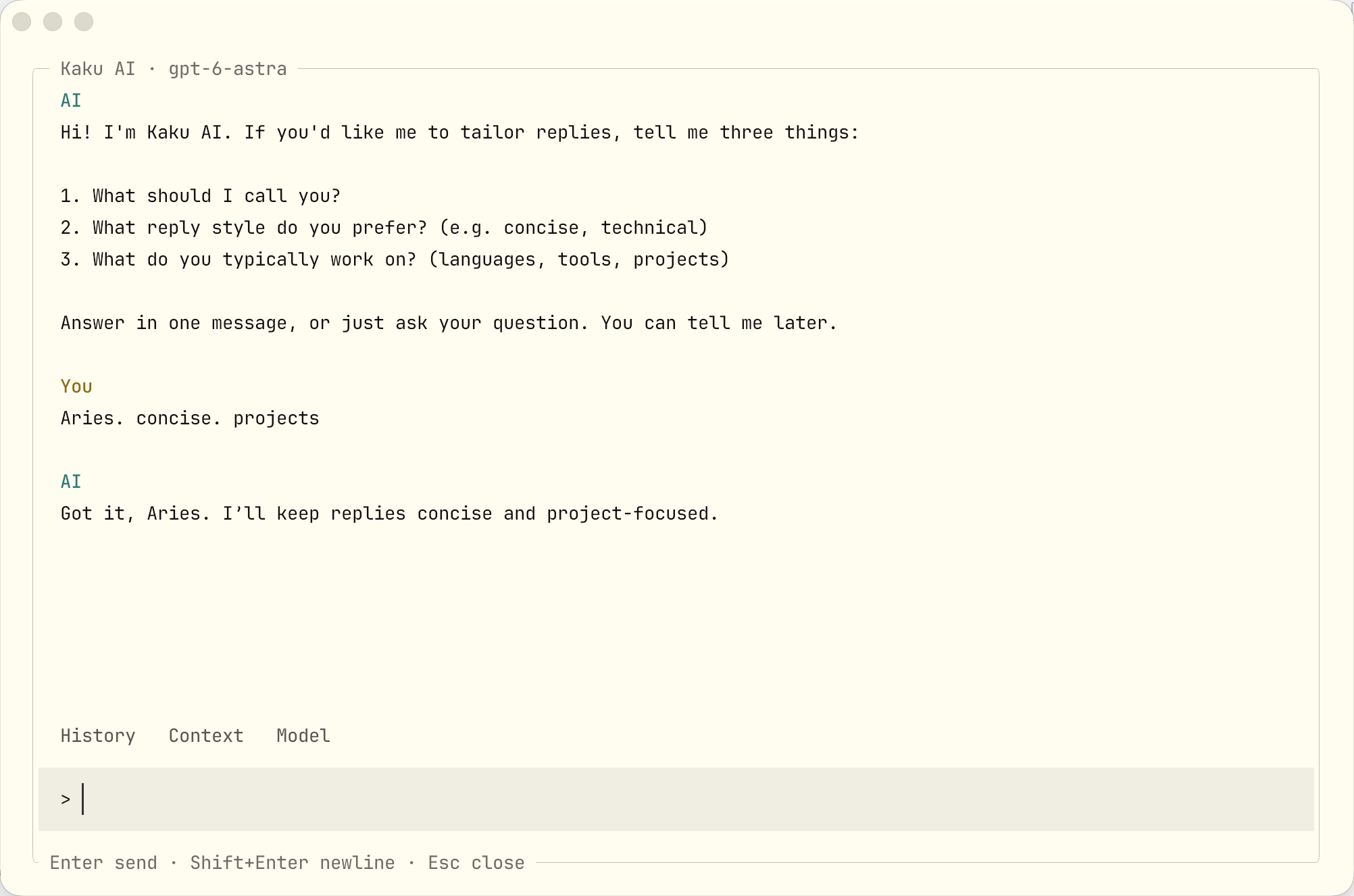
I find calling up a quick chat with one shortcut a little more convenient than Claude’s /btw. It has something in common with Howler that way. 🤣 It also shows plan usage at the bottom of the main terminal view, with a one-line warning at 25%, 10%, and 5%. These little design choices are clever, giving me enough information without feeling intrusive.
There are a few things missing, of course. An “Open in Finder” option in the right-click menu would be handy, since agents often leave files in places like /tmp. Hmm… maybe I should try a PR.
I’ve rambled on a bit, sorting through my thoughts on terminals and recommending Kaku along the way. I think deep customization could become an interesting product trend with AI. When development capacity was more limited, many products tried to meet more people’s needs by becoming big and comprehensive. Now it’s easier for all sorts of products to exist, and everyone wants something a little different anyway. There’s room to focus on depth over breadth, and Kaku is a good example. That leaves plenty worth trying for independent developers and people building on the side.
That’s all.